
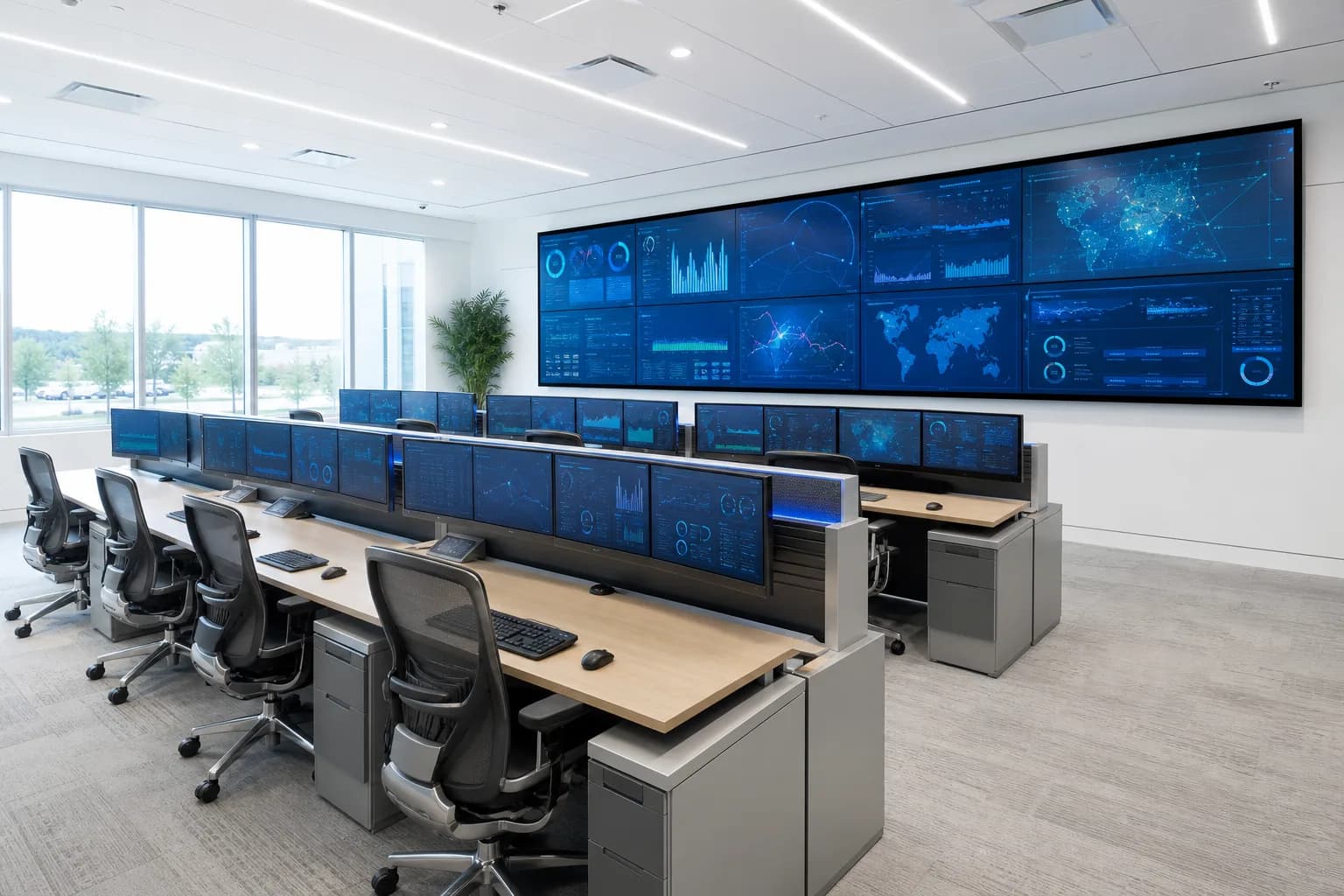
01 · Control rooms
Many sources — one composed wall
HDMI / IP / SDI → K Series processor → wall layout with windows
VEXWALL · Video wall processing
Real control rooms run on walls that never blink. Modular FPGA-based processors bring HDMI, IP and SDI sources into one seamless display — and an engineer confirms the configuration before any quote.
Signal jobs
Every VEXWALL family answers a different signal task. Start from the job — the topology follows. Families overlap on purpose; the selector below resolves the overlap.
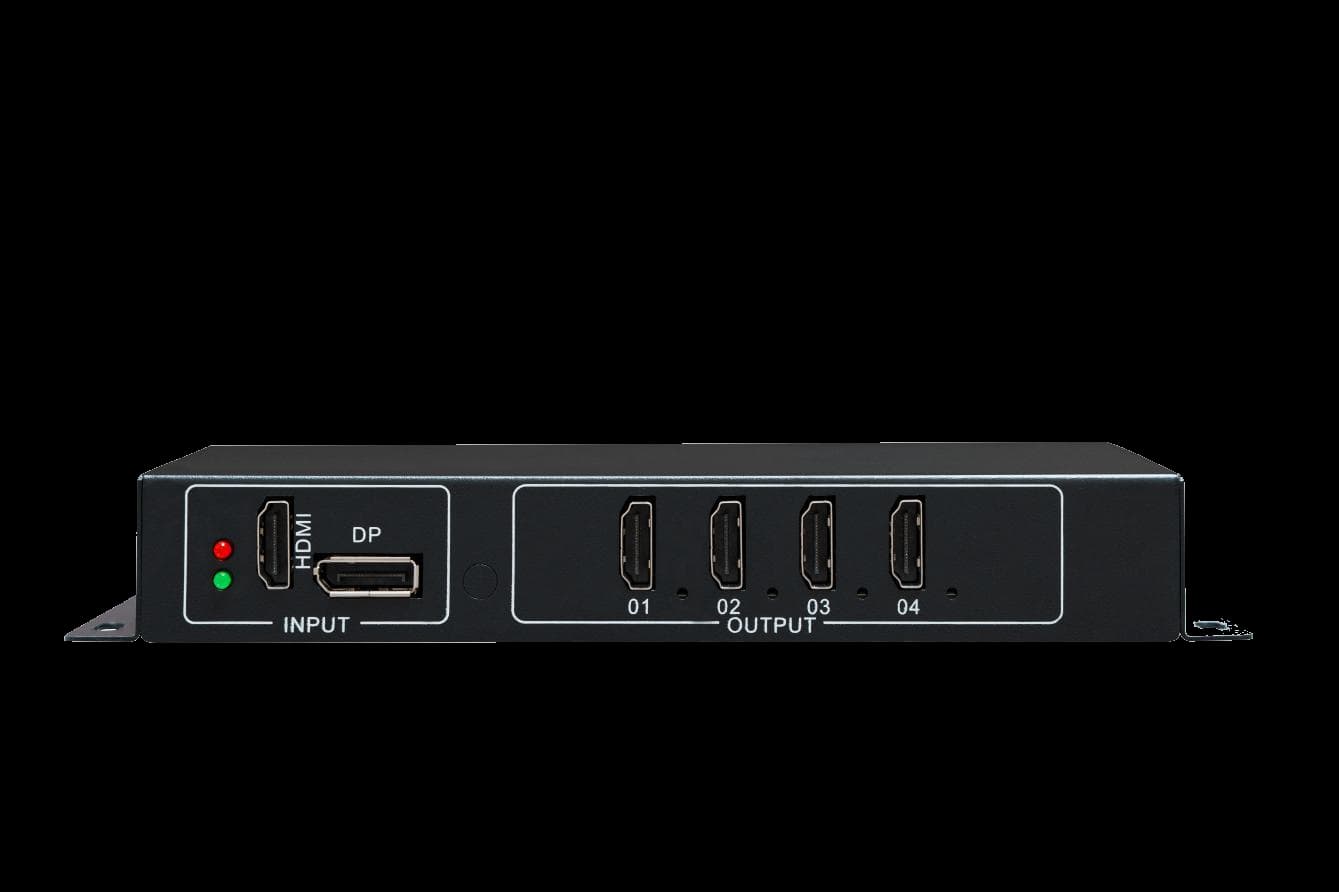
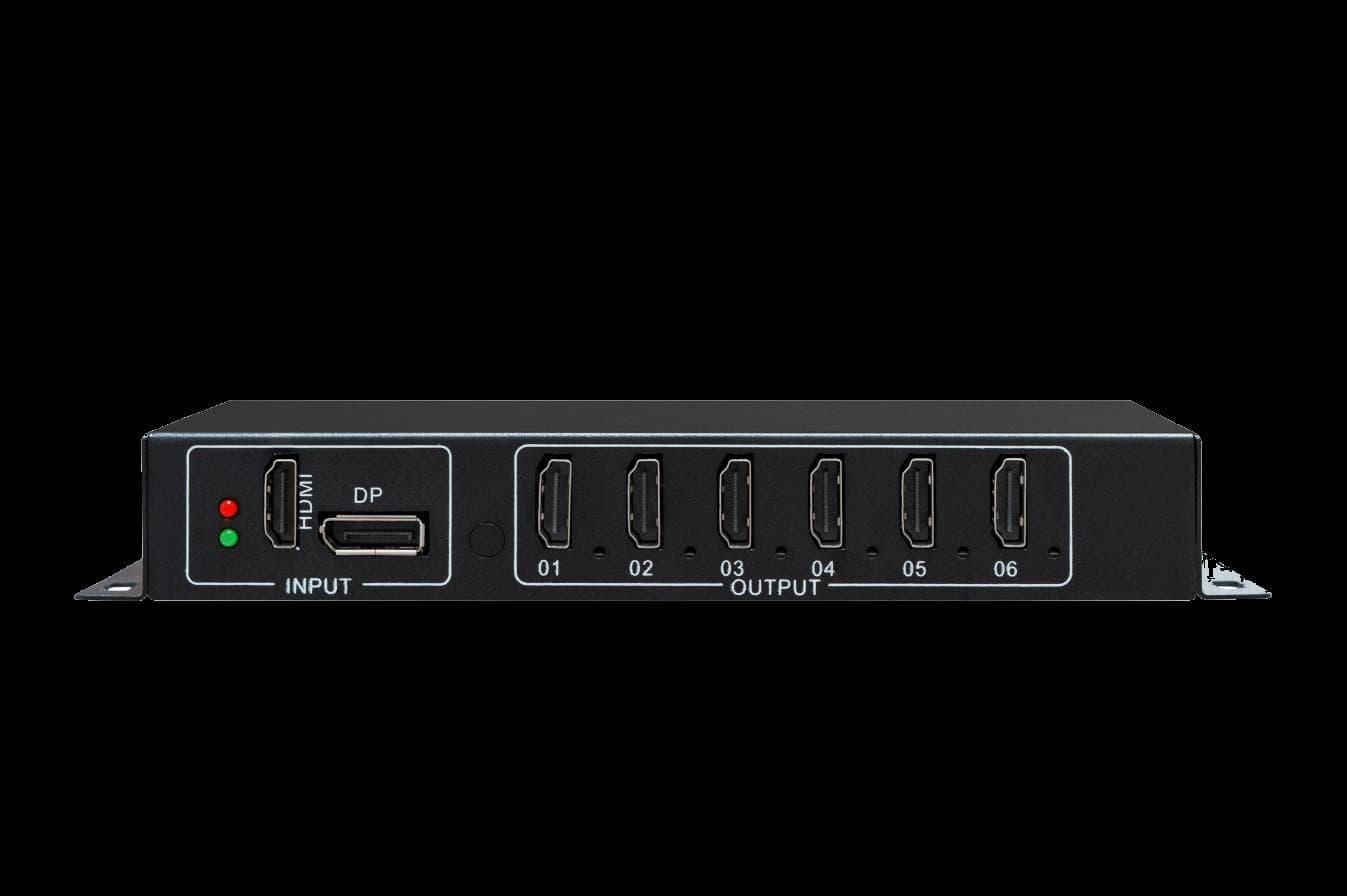
01 / Multi-Screen Controllers
Take one ultra-high-resolution source and spread it across 4, 6 or 9 displays as a single desktop, signage or small-wall canvas.
02 / Video Wall Processors
Window, roam, overlay and seamlessly switch HDMI, IP and SDI sources across one wall layout — pure hardware, no operating system.


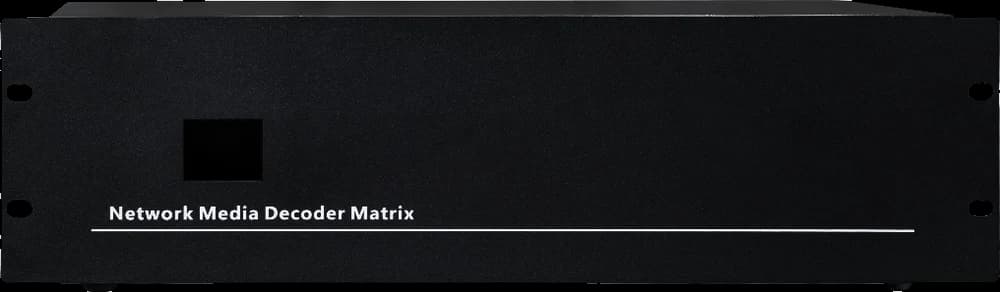
03 / Network Video Decoder Matrices
Decode H.265 / H.264 camera streams over ONVIF / RTSP and place them directly on CCTV monitors and video walls.
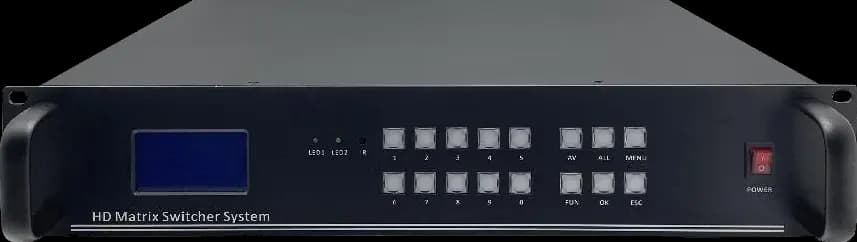
04 / Seamless Hybrid Matrix Switchers
Route HDMI, DVI, VGA, SDI, AV and HDBaseT sources to multiple displays with seamless switching and centralized control.
Not sure which topology is yours?
Answer five questions — the selector below maps your inputs and outputs to a family. Preliminary guidance, confirmed by an engineer before any quote.
Try it yourself
This is the real K Series workflow: sources in, the chassis composes, windows appear on the wall. Toggle the sources — the routes are live.
Presets —
Inputs — tap to route

1 live · 1 window
Felt how direct it is? Configure your real system below.
Product finder
Our series overlap in capability — that is what confuses buyers. This guide maps your job to the right family. Preliminary guidance: an engineer confirms before any quote.
Step 01 of 05 · Main task
The platform
What you specify is what you see here — the real K Series chassis at registered scale, with the interfaces we publish per series. No rendered stand-ins.
◆ Interface positions per published datasheet. Recommendations on this site are marked preliminary until an engineer confirms the topology for your inputs, wall geometry and control plan.
Front panel
Hover to highlight card zones
Rear panel
Power / control / expansion
Confirmed facts
We publish what we support and how we confirm it — so fit is checked against your signal path, not against marketing copy.
HDMI, DVI, VGA, SDI, DP, HDBaseT and fiber; ONVIF, RTSP, H.264/H.265, RS232 and TCP/IP — per series, versioned in the datasheet you request.
English documentation for every family, available on request before you commit to a configuration.
Every recommendation on this site is marked Preliminary. A VEXWALL engineer confirms the topology against your inputs, wall geometry and control plan before we quote.
Published series data is dated and versioned. Unanswered limits stay inside the engineer-confirmation step instead of appearing as finished promises.
Manufacturing & certification
Partner manufacturing with controlled SMT assembly, incoming inspection, burn-in testing and final QA before shipment.
Incoming inspection
Key-component quality checks before assembly.
Burn-in testing
Extended run-in before unit approval.
Final QA
Per-unit output and control checks.

Certifications · compliance marks
 Documents on request
 Documents on request
 Documents on request
Verified engineering facts
Typical configurations
Three recurring jobs and the topology each one maps to. Scenes are shown for illustration — the topologies are what you configure.
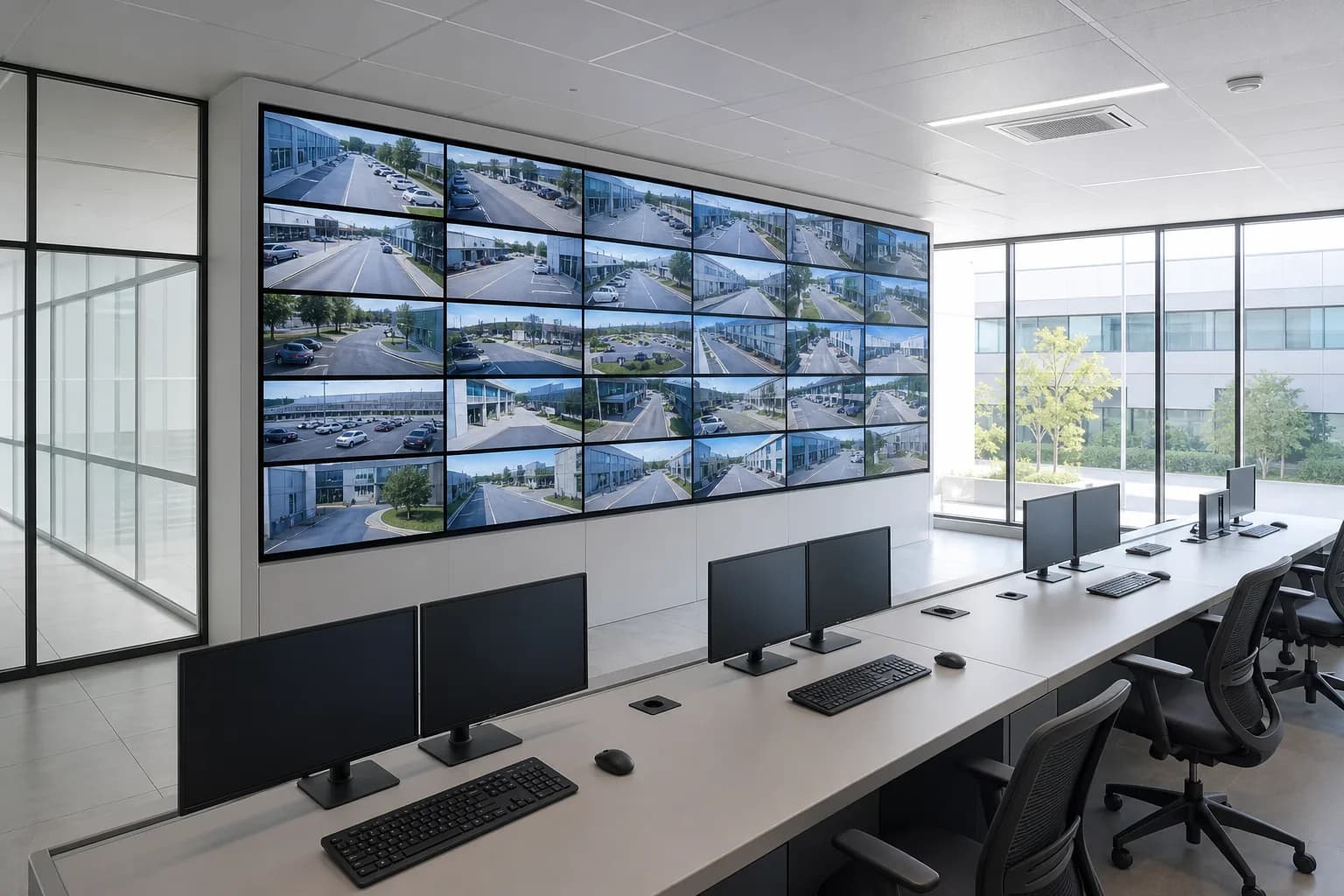
01 · Control rooms
HDMI / IP / SDI → K Series processor → wall layout with windows
02 · Surveillance
IP cameras (H.264 / H.265) → decoder matrix → CCTV wall
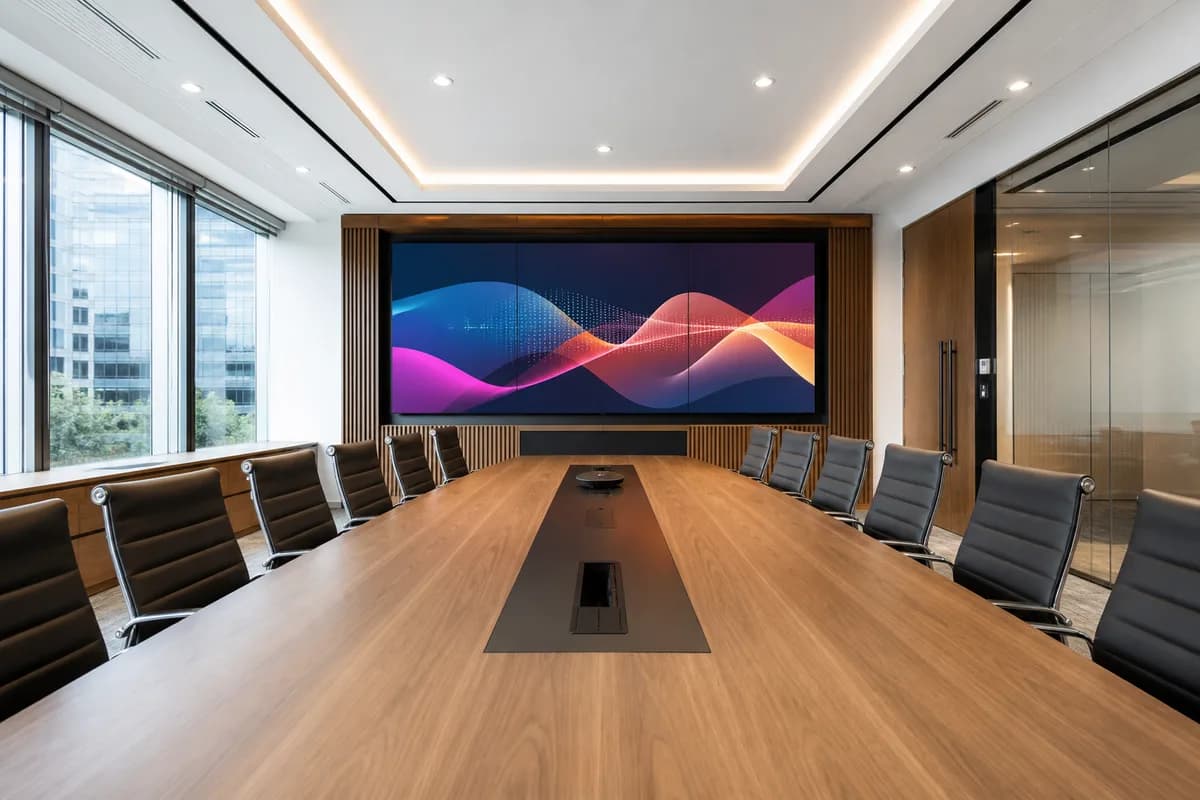
03 · Conference & presentation
HDMI / DVI / VGA / HDBaseT → matrix switcher → displays
Integration
We publish the protocols and interfaces we support, versioned per series in datasheets — so you can verify fit against your signal chain before you quote. Engineers answer integration questions directly.
01 · Video in
02 · Network & transport
03 · Control
04 · Streaming
Versioned per series · full lists in datasheets
For distributors & integrators
Program terms, OEM / ODM projects and lead-time planning are handled with dedicated engineer support. Contact our team for terms and documentation.
Become a distributorWhat our partners say
“The published interface lists meant our engineers could verify fit before the first call — no discovery meetings needed.”
Project handoff
Start with Configure your system or send an I/O list. Your inputs, outputs and signal types set the conversation — an engineer confirms the recommendation before we quote. We respond to all quote requests within 24 hours.
Prefer a live look first? Book a 15-min tech walkthrough — an engineer walks your signal path with you, no commitment.